What Is Trading View and How to Use It
The online trading community has likely heard of TradingView at one time or another. Many traders utilize TradingView as a part of their daily routine and trading plans, but TradingView appears relatively simple at first glance, however, as you start learning to properly utilize TradingView, you will find it to be a very effective tool that is quite simple to learn and employ correctly.
This article from otet markets serves as a basic introduction to the world of trading and TradingView without all the complicated terms or the expectation that you will become a master of the world of trading within minutes of reading this article. I have done my best to provide a clear picture of what TradingView is, what services it offers to traders, and the benefits that TradingView has for a trader, similar to many other traders.
Where can you find TradingView?
TradingView is an online platform that allows users to create different types of price charts (stock, cryptocurrency, forex, commodity), develop their own analysis of markets, post to a trading network (where traders share their trades), and learn about the financial markets. TradingView can be accessed via desktop interface or mobile smartphone platform.
Traders do not have to install a large amount of complex software and connect to a broker to use TradingView. To begin utilizing TradingView, simply navigate to the TradingView home page and enter an asset in the search bar; from there, you will receive a price chart and additional data or information on that asset.
Traders frequently use TradingView for the major benefit of being able to use a more visual way to view price movements.
Understanding Price Movement by Using TradingView
The main purpose of TradingView is to visualize how prices move over time. This can also be accomplished graphically via a price chart, making it easier for you to see how the market changes over time in a visual manner, as opposed to looking at a list of numbers and thinking of them numerically.
When you visualize price movements in stock, crypto, forex, or commodity markets using TradingView you will see patterns, trends, and price movements visually plotted over time. Because of this capability of TradingView, it is valuable for new traders, serving as a great way to learn how to interpret data and how to analyze financial markets using graphics provided through TradingView.
The ultimate goal of TradingView is to assist traders in understanding the current state of the market. Forecasting what will happen in the future is secondary to understanding what is currently happening in the market;Overview of TradingView Charts
When you first sign in to TradingView, the first thing you’ll see is the chart view. The trading charts allow you to look at the price history of virtually any asset at anytime.
The trading charts on TradingView can be customized in many different ways. The timeframes can be changed as well as the type of chart used (and there are many types), and you can zoom in and see specific price movements.
Watching price movements over time without using any tools is still a useful learning tool.
Create Your Own Free Account
You can use TradingView without an account, but if you create a free account you will have access to the following features that are helpful:
Save your chart layouts
Include your own indicators
Create price alerts
Follow ideas from other traders.
The free version of TradingView is plenty sufficient for all new traders to learn from.
Timeframe Selection
The start of your TradingView experience is selecting a timeframe. Each timeframe you select represents a certain amount of price data for each candlestick/bar you observe.
Examples of different timeframes:
Each candle or bar represents one minute of data
Each candle or bar represents one hour of data
Each candle or bar represents one day of data.
Moving between different time frames will enable traders to view the same market from multiple perspectives.
Understanding Candlestick Charts
At first, candlestick charts may look very confusing, however, they actually follow logical patterns:
A candle represents the opening price, closing price, high price and low price.
Eventually, different patterns can be formed by sequentially observing these candlesticks. You don’t need to memorize all of the patterns, just being able to determine if the price is increasing, decreasing or moving sideways in relation to everything else will suffice.
Indicators Are Optional
The TradingView platform offers access to an array of indicators including moving averages, RSI and MACD.Using indicators on price movements can help to analyze market behaviour.
However, new users tend to overload their charts with too many indicators at first, making it more difficult to interpret the information on their charts.
Most traders would be better off starting with 1-2 simple indicators rather than 10 complex indicators.
Drawing tools and trendlines
Drawing tools are one of TradingView’s many strengths. You can add lines, mark key levels and highlight areas directly on the chart.
For example, by drawing a trend line, you can easily identify whether the price of an asset is in an uptrend or downtrend. You can also use support and resistance lines to identify levels that the price tends to react to.
These tools create maps from charts, rather than just pictures.
Using TradingView to learn
Even if you’re not a trader, you can still learn from TradingView. Many users use the platform purely to observe others’ trades and market movements.
Over time, observing how price responds to news releases, opening of markets, and so on develops an intuitive feel for trading, and this cannot be rushed.
A basic TradingView tutorial will help you understand the various features step-by-step without feeling overwhelmed, which is particularly helpful for people who are new to TradingView.
The Ideas and the Social Element
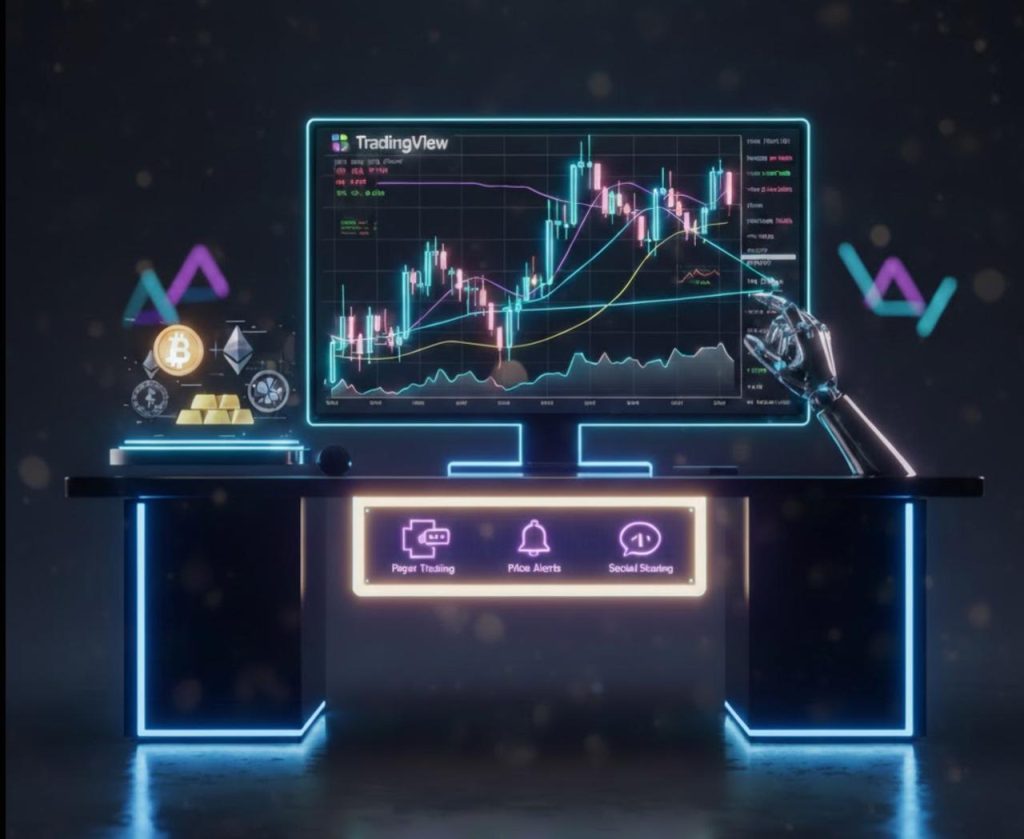
TradingView is much more than just charts – it is also a community of traders.
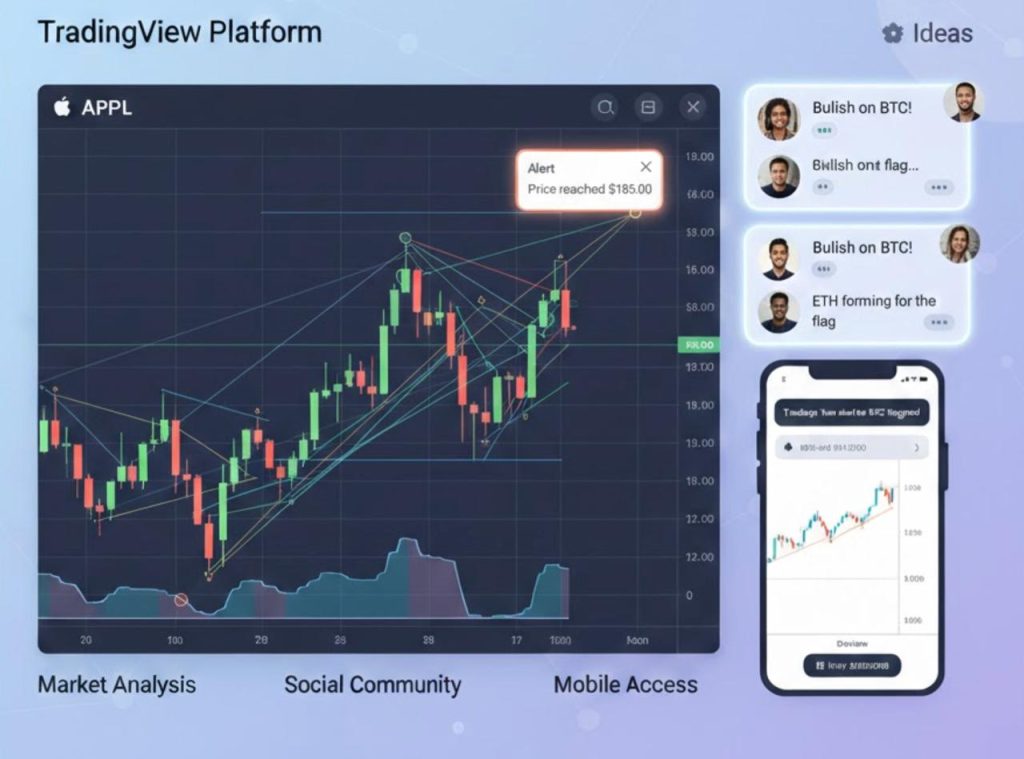
Users share trade ideas, analysis, and charts publicly. You can explore all of these ideas, leave comments or simply observe.
Please do not copy someone else’s trades blindly, but by understanding how other traders think, you can expand your view of what is possible when trading.
Alerts – Let the Platform do the Work for You
Price alerts are one of the most useful features.
By setting alerts, you will be notified by TradingView when the price reaches the specified level, which will save you a great deal of time and effort in terms of checking your charts over andAlerts can be set based on either price alerts or indicator alerts, or even based on a custom trigger created by the user. A beginner can start by setting simple Price Alerts.
Using TradingView App on Mobile
The TradingView mobile app replicates much of the browser experience. Because of this, users have the ability to check their favourite markets whenever they need while they are away from their computers.
The TradingView mobile app’s most significant advantage is that users can receive alerts and watch over assets even though having larger screens makes it simpler to conduct further analysis with more detail.
The mobile app offers the same flexibility and full functionality of all the TradingView tools.
Does TradingView Work for Professionals and Beginners?
Not just for professionals! One of TradingView’s strongest features is that it is a service that grows with its users.
As a beginner, you will most likely be using TradingView for simple chart viewing. Intermediate traders use TradingView to create trading strategies using indicators. Advanced traders use TradingView to build customised scripts for their analysis.
You do not have to master all of these features at once. The ability of TradingView to grow with you means that you can use the platform at your level and progress as you develop.
Paper Trading: Get a Feel for the Markets without Risk
Paper trading is a feature of TradingView that allows the user to simulate trades with virtual cash.
This is a great way for new traders to practice and learn. The user can make mistakes, test hypotheses, and learn how to trade without any financial risk or liability.
Many veteran traders may still continue to use paper trading accounts when testing new trading strategies before going live.
The Ability to Compare Different Trading Instruments
An underappreciated aspect of TradingView is how simple it is to compare multiple asset classes.
You can quickly switch between stocks, crypto, forex, and commodities without leaving the platform. This makes trading platform analysis much smoother.
There is a much greater Insight Into Global Market Dynamics When You Observe How Different Markets Function Relative to Each Other.
Customise Your Charts without Complex Features
There are a variety of ways in which you can create a unique and personal chart layout with TradingView. Customisation is an option, but it isn’t forced. You have many choices, whether you prefer keeping it as a simplistic layout or create a multi-chat layout containing several charts. The beauty of TradingView’s service is the balance between convenience and extensive capabilities, which is why many traders remain loyal to TradingView over time.
Common Mistakes Made By New Users
Most new users:
Overload themselves with multiple indicators on their charts
Constantly change strategies based on their performance
Focus on predicting price movements and patterns, rather than learning the basics of their respective markets
Compare themselves with experienced traders/participants
All of the above are valid common mistakes for new users of TradingView; patience and a commitment to continual growth and learning will remedy these issues over time.
Do You Have To Connect To A Broker If You Use TradingView?
Connection to a broker is your choice. Some of our users only utilise TradingView for the analysis portion, while others trade through a broker who has potential connection capability with TradingView.
Again, connecting to a broker is your choice. There is no pressure to rush to connect your broker to your TradingView account.
Read More: What Is a Forex Broker and What Do They Do?
What About Security And Privacy?
TradingView DOES NOT require access to any of your funds, unless you connect your broker to your TradingView account. Therefore, if you connect your broker, permissions are limited.
All chart data and ideas created on TradingView are now stored securely. As with all websites, it is highly recommended that all users create a very strong password for their TradingView accounts.
Will TradingView Fit Into Your Trading Routine?
Many traders continue to use TradingView as their primary analysis platform for markets they are interested in trading, even though there may be other platforms that they execute trades through.
Most of these traders utilise TradingView to analyse and analyse their trades, followed by executing the trades through their brokers of choice.
Additionally, as a result of having their primary analysis account separated from their trading business accounts, traders usually are in a position to make stronger decisions.
Will TradingView be a Fit for You?
For the majority of the users who are interested in trading on global markets, the answer will likely be yes. TradingView provides flexibility, accessibility, and powerful functionality without being overwhelming; it can be used casually as a basic learning and analysis tool, or it can be a place where you can track and manage your trading portfolio.
Most importantly, using TradingView is a tool that allows you to “experience” the market rather than simply “reading” about it.
Conclusion
TradingView has more uses than a mere charting service. It can also serve as an education and planning tool and a community. You can use TradingView to build your confidence in your market and industry; over time, if you use TradingView effectively, you will become a trusted, dependable partner in your trading journey.
Share
Hot topics

Gold symbol in forex
Introduction If you have ever opened a trading platform and searched for gold, you probably noticed a specific code instead of the word “gold.” In the forex world, assets are...
Read more



Submit comment
Your email address will not be published. Required fields are marked *