What is a MetaTrader 4 Demo Account
If you are new to online trading, you are probably wondering where to start, rather than how much money you can make.
This is where a MetaTrader 4 Demo Account comes into play. A demo account allows you to participate in the real market without risking your real money. In the demo account, everything, including price movements, charts, and trade execution, is similar to live market conditions, except that the funds are virtual.
With an MT4 Demo Account at Otet Markets, you can practice, learn from your mistakes, and become familiar with the structure of MT4 and how it operates. You can test various trading strategies to find the one that suits you the best, before risking your real money. Although there is an emotional or psychological difference between live and demo accounts, it’s a good place for back testing and understanding the market movements.
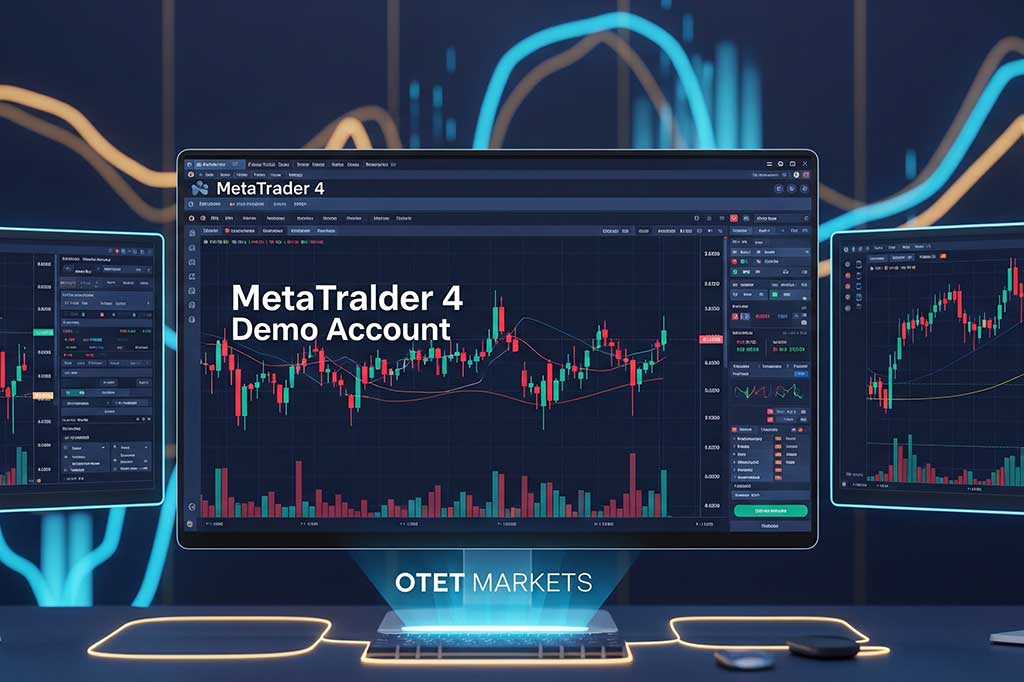
The demo environment that has been developed within the MetaTrader 4 platform does not require you to have any knowledge or experience of using special software. A few clicks will establish your trading account and allow you access to a variety of different balance sizes to trade with. Once your account is created, you will have immediate access to the ability to place trades.
While demo accounts are ideal for new online traders, they are not only beneficial to first-time traders. Experienced traders use demos to test trading strategies, test trading indicators, and test brokers before making a financial investment (i.e., using your money).
The other major benefit to you from demo trading is the pressure that is associated with trading. As there is no financial investment or fear of losing money (due to your trading practices), you will feel less pressure when trading on a demo. This gives you the opportunity to focus on learning the platform and the markets, which new traders truly need to become successful and profitable traders in the future.
MT4 Demo vs. MT5 Demo: Which One Should You Choose
While opening a demo account, many traders often ask whether they should start with MT4 or MT5.
In this section, we look at it quickly, just to clarify the basics.
| Feature | MT4 Demo | MT5 Demo |
| Market focus | Forex & CFDs | Multi-asset (stocks, futures, forex) |
| Interface | Simple and familiar | More advanced |
| Learning curve | Easier for beginners | Slightly steeper |
| Broker availability | Very wide | Growing |
In the end, it’s a personal choice, and traders should choose the platform that best matches their trading style and comfort level.
Why You Need an MT4 Demo Account Before Going Live
Jumping into live trading without first practicing can be one of the quickest ways to lose money. By using a demo account, you can develop the confidence and the skills necessary to trade in a safe and controlled environment.

-
Learn the Platform Without Stress
There are many different tools available in MetaTrader 4, such as charts, order types, indicators, and settings.
A demo account will allow you to explore all of the tools available without the fear of making mistakes.
-
Understand Market Behavior
Prices do not move randomly; they move based on the news, the sessions, and liquidity.
By trading in a demo account, you can see how prices move instead of just reading about them.
-
Test Trading Strategies Safely
Every trading strategy sounds good on paper. Demo trading will show you what your strategy looks like in an actual market, with real-time data and real-time price action.
-
Practice Risk Management
You will be able to set stop losses and manage your position size better when you are not risking real money in a demo account.
Creating good habits starts here.
-
Build Emotional Discipline
Even though you are trading in a demo account, you will still feel a wide range of emotions – excitement, frustration, and impatience.
The sooner you learn how to control your emotions, the better off you will be as a trader. Opening a demo account in MetaTrader 4 is a straightforward process and does not require any technical background.

How to Open an MT4 Demo Account on Desktop (Windows & Mac)
Creating a demo account via your computer is easy. There is no need for any technical expertise or paperwork – just follow these simple steps.
1- Download and Install the MT4 Terminal
To start using MetaTrader 4, either go to your broker’s website or a trusted provider’s website to download the program.
When you install MetaTrader 4, it will take only a few minutes to complete. The platform can be installed on Windows or Mac.
Once you have installed MT4 and opened it, you will immediately be able to access charts and menus.
2- Launching the Platform and Opening the Account Menu
- Click File at the top of the menu-bar.
- Click on Open an Account from the drop-down.
- A list will now appear of ”available broker servers”.
The above step is crucial because your demo account exists on a specific server.
3- Finding and Selecting the Right Broker Server
Open the list of ”available broker servers” and search for your broker’s name. Many traders test different brokers to see and compare how their spreads, order execution, and trading platforms work.
For instance, brokers such as Otet Markets often provide a stable demo account environment that presents real market conditions as a live account. Remember to choose the demo server, not the live one.
Read More: Best Brokers for Demo Accounts
4- Configuring Your Account (Leverage, Balance, and Type)
At this step, you’ll need to set your account details. This includes:
- Initial Balance,
- Leverage Ratio,
- Currency,
Make sure to select realistic numbers. For instance, if you plan to start trading with 1000$ on a live account, don’t select or practice with $100,000 on a demo account.
This is where many new traders go wrong…don’t be one of them.
5- Securing Your Login Credentials
After creating an account, MetaTrader will generate a username and password for you and send them to you via email. Make sure to save your login details safely and carefully.
Although it’s a demo account, if you lose your access to your account, you will lose your trade history or practice data.
Setting Up MT4 Demo on Mobile (Android & iOS)
Lately, trading is not just limited to desktops. Many traders use their phones to monitor the market and their positions.
To open a demo account on mobile:
- Download MetaTrader 4 from the App Store or Google Play
- Open the app and choose Open a Demo Account.
- Select a broker server.
- Configure balance and leverage.
The mobile version of MetaTrader 4 is simple, yet it is beneficial for practice. This resource is particularly beneficial for those who want to learn how to manage their trades on the go.
Demo vs. Live Trading: The Critical Differences You Must Know
Demo trading is powerful, but it’s not identical to live trading.
Understanding how demo trading differs from the real world will help prevent you from developing unrealistic expectations for your future performance.
| Aspect | Demo Trading | Live Trading |
| Money | Virtual | Real |
| Emotions | Reduced | High |
| Execution | Ideal | Market-dependent |
| Slippage | Minimal | Possible |
| Discipline | Easier | Harder |
The biggest difference is psychological.
Using “real” money changes your thoughts and your decisions towards the market.
Top 5 Common Mistakes Beginners Make on MT4 Demo Accounts
Demo trading can lead one into developing poor trading habits if you don’t avoid the following habits, which are the most common mistakes among traders:
-
Overtrading
As losses are not real in the demo account, new traders often open many positions or trades at a time. This might make you overconfident.
Read More: Real vs Demo Forex Accounts
-
Using Unrealistic Lot Sizes
While trading large positions in demo accounts is fun, this will not teach you anything applicable once in live trading.
-
Ignoring Stop Losses
Most traders might ignore the risk management for their orders, because they aren’t afraid of losing money, as it’s not real.
This habit can become a disaster for the trader when they start to trade live accounts.
-
Treating Demo Like a Game
If you are not taking the demo trade seriously, it will not prepare you for a live account.
-
Staying in Demo Forever
Practice is essential, but so is making progress.
When and How to Transition to a Live Trading Account
There is no ideal time to start trading live, but there are some common signs that indicate when you are ready for this step. You should consider transitioning when:
- You have followed a consistent method.
- You have a strong knowledge of risk management.
- You can control your feelings during demo accounts.
- You take demo trades seriously.
Start with a small amount, a micro or cent account, then move to a large amount of capital.
Also, although demo trading develops your skill set, actual improvement takes place over time.
How to Get the Most Value from Your Demo Trading Practice
If you want to gain the most from your demo trading, you need to have a plan in place. Treat each trade in the demo account as if it were real money. This perspective allows you to develop discipline and prepare you for actual trading conditions because of how you are trading in the demo account.
Keeping a journal or a simple record of your trades such as why you entered your trades, where your stop losses were placed, and how you felt during the trade will make a big difference over time because it will help you find patterns that outline your strengths and weaknesses within your trading approach.
It’s also beneficial to trade during different market sessions such as London and New York. The feelings you get during those two significant trading sessions are different from quieter periods. Having the opportunity to practice during these times in a demo account will allow you to be more prepared when you move to live trading.
Try to stop switching strategies. Instead, focus on one method, practice to refine it, and understand how it will perform in different market conditions, then move on to the next strategy.
Conclusion
Creating a demo account within MetaTrader 4 is one of the best decisions for an emerging trader. A demo account allows you to be more familiar with the platform, have a better understanding of the markets, and establish discipline without putting any actual money at risk.
Typically, a forex trader will use demo accounts to evaluate different trading platforms, check out various brokers, and understand how their trading accounts operate — it is the start of everything.
Make the most of this opportunity. Practice with a purpose. When you ultimately transition to live trading, do so with certainty, not by chance.
FAQ
The platform features are the same, but emotions, execution, and risk are very different.
Yes. Most brokers offer commodities like gold and oil in demo mode.
There’s no fixed time. Focus on consistency and discipline rather than duration.
No. Demo accounts usually require no identity verification.
Share
Hot topics
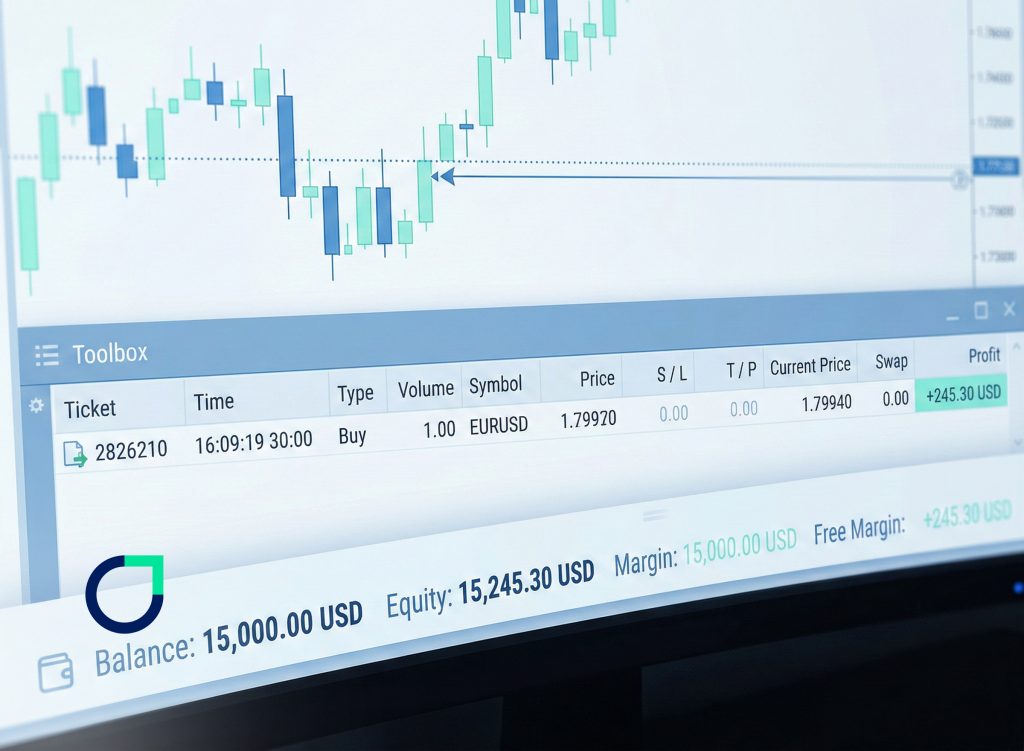
What is Balance in Forex? A Complete Guide for Traders
Introduction When you open a trading account for the first time, one of the first numbers you see on your screen is your balance. It looks simple. It looks clear....
Read more




Submit comment
Your email address will not be published. Required fields are marked *